 Phone: +1 2403149021
 Mail: kliu@jiechi.com
Phone: +1 2403149021Mail: kliu@jiechi.com


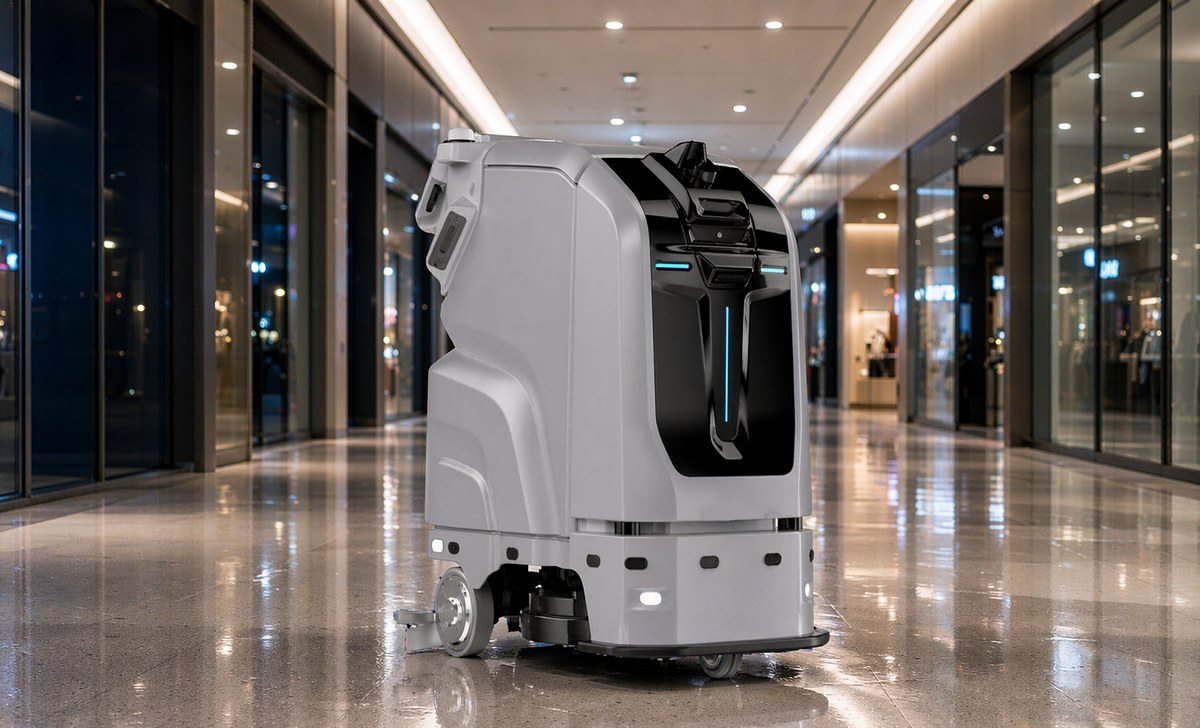
An autonomous floor scrubber site readiness check covers five things before the machine arrives: floor gradient and surface condition, a mapped route with a fixed start point, Wi-Fi for task reports, a docking station with power and water so it charges, refills and drains itself, and a named operator for the daily checks. Miss one and the robotic floor cleaner deployment stalls in week two.
Autonomous scrubbers are past the novelty stage. Airports and shopping centres run them overnight, and the question has shifted from whether the machines work to whether the building is ready for one. Here is the checklist we go through before a machine ships.
Robots are fussier about floors than people are. A cleaner steps over a cracked joint; a machine tries to plan around it and sometimes decides it cannot.
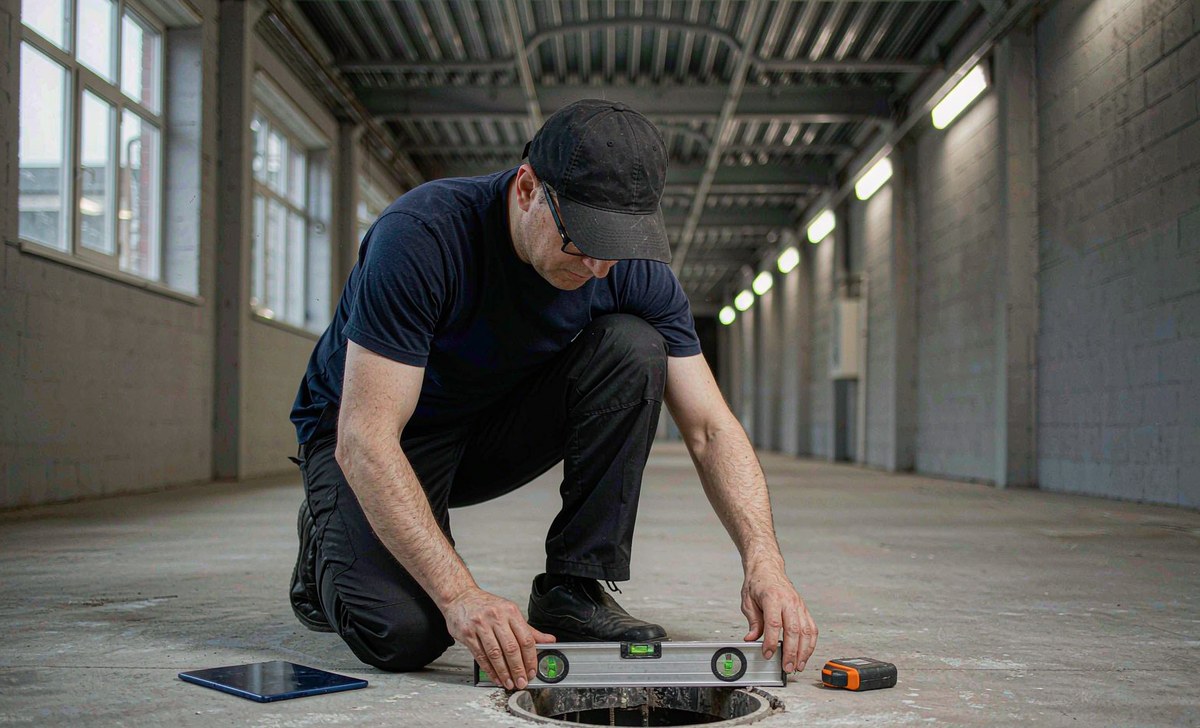
Gradient and joints. Gradeability is the hard number: the JC80 climbs 6%, so a steeper ramp is not a route and a step is a wall. Lifted tiles, open joints and cable covers stop a machine much as they stop a pallet truck. Fix the worst ten before delivery.
Layout. Open floor pays best. Area coverage needs a regular open area over 3 × 3 m to plan a sensible path; anything narrower is taught as a follow-path route, down to about a metre wide.
Glass and reflective surfaces. Navigation runs on vision plus laser, and glass is difficult for both. Floor-to-ceiling windows, balustrades, glass floor panels, overhangs and top-heavy objects get marked on the map rather than left to the sensors.
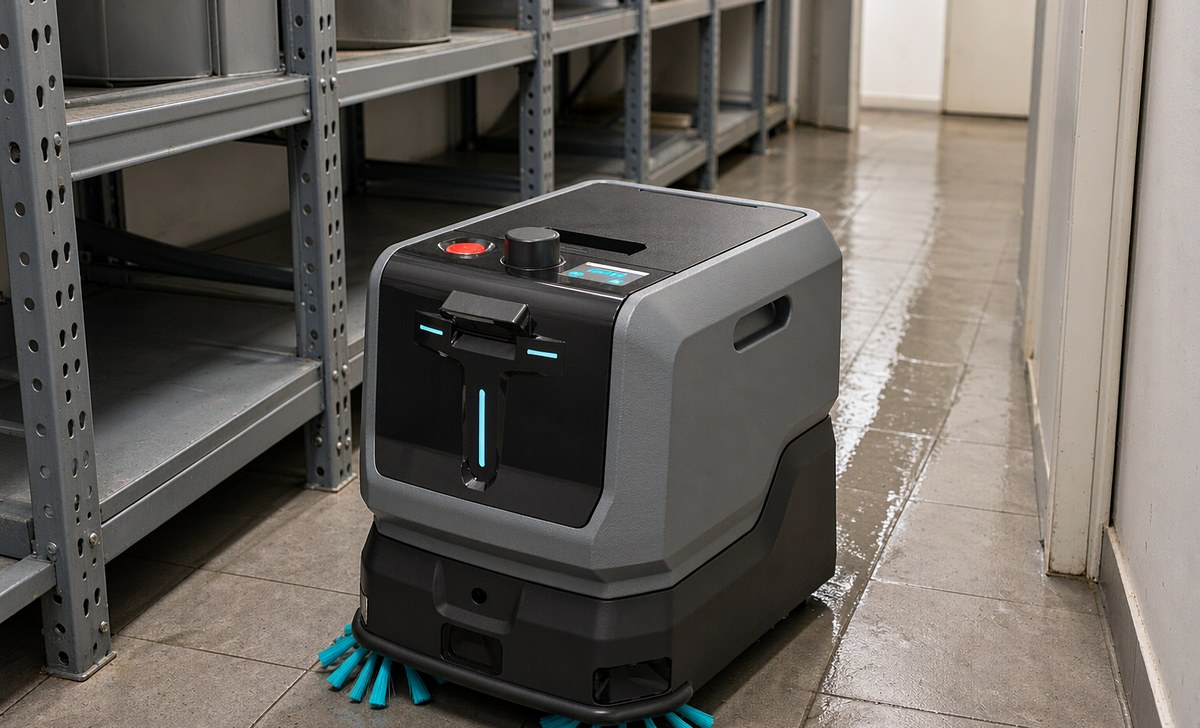
For narrow corridors and routes under shelving, a compact unit such as the JIECHI JC10 mini smart floor cleaner measures 52 × 42 × 49 cm at 26 kg with a 350 mm path, and gets through gaps that stop a full-size machine.
Connectivity and navigation are the two items everybody assumes IT will sort out, and the two that hold deployments up longest.
The network is for management. Being online is what lets you manage the machine remotely, receive task reports and have an engineer diagnose a fault without a visit. It is configured once in management mode: SSID and password exact.
Mapping. Walk the machine through the area until the map is fully white, then save it. Three rules decide whether it stays usable: straight lines under 1 m/s, turns under 20°/s, and a closed loop, small circuit first, larger one second. Keep each map under 15,000 m².
Start point. Pick somewhere the surroundings will not change within 10 m, with a wall as a reference and room to start, not the middle of a long corridor. It locates itself by a point on the map or a QR code on the wall. Codes suit complex sites: 30 to 150 cm high, 100 to 200 cm in front, never moved.
Also on the map: air walls around glass, overhangs and escalators at 20 cm; solid walls along glass panels and racking at 7.5 cm; drop zones under glass panels shielded.
Docking station. Two metres clear all round, no reflective material, and the station's emergency stop released before it charges. Park the machine about half a metre in front to deploy it, and redeploy if it shifts more than 20 cm. Set the task start point there too: the machine returns to it when a task ends, and a workstation fills the 70 L tank, empties the 50 L one and charges on the same visit. It can also be sent back from anywhere mid-task; if it reports lost positioning, drive it to within 1.5 m first.
Anything crossing floors or passing through doors needs the building's cooperation, and that conversation goes better before the machine is on site.
Lifts. Riding one needs the elevator control module, an option rather than standard, plus the lift area boxed on the map. Without it, keep the robot on one floor and clean the rest conventionally. Check the rated load with margin: 199 kg dry, before 70 L goes in.
Doors and passages. The body is 1,160 × 580 × 1,210 mm and wants clearance, not an exact fit: 7.5 cm to walls and racking it cleans along, 20 cm to an air wall. Automatic doors have to hold long enough for a slow approach.
Traffic. Find out when the area is busy and stay out of those hours, then group tasks to suit battery, tank size and output. Speed bumps can be marked as deceleration zones; the machine lifts its parts to cross. Clearing the route is still a person's job.
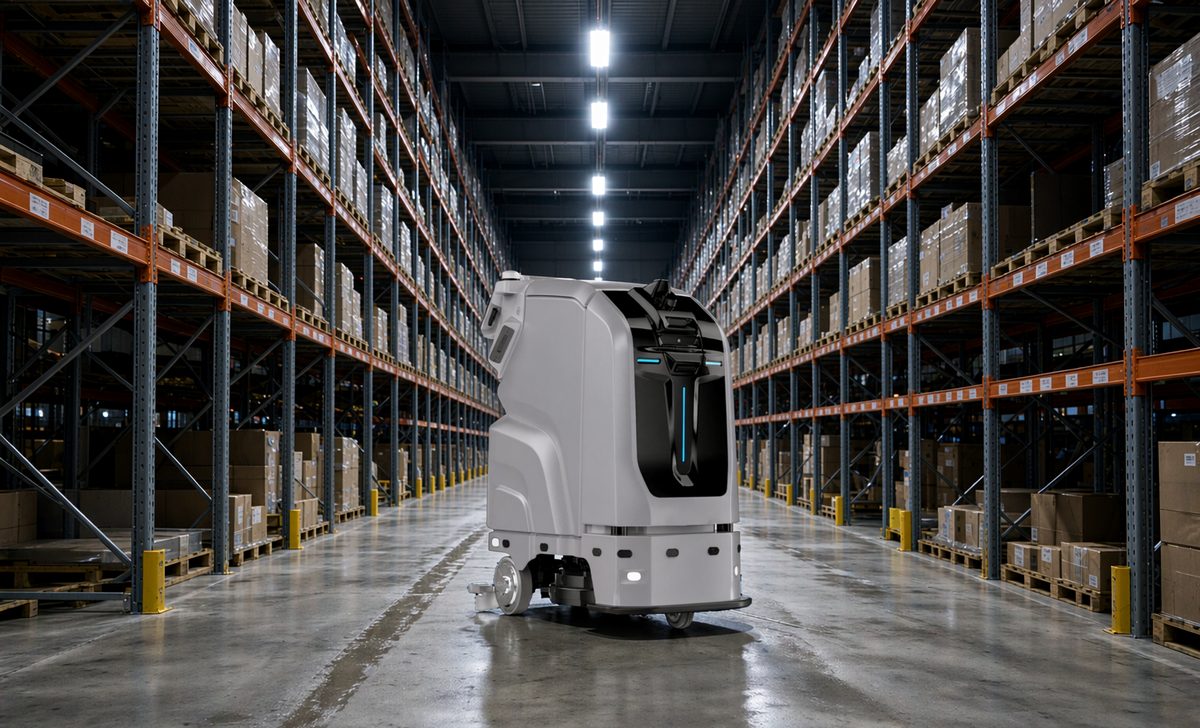
For open floors, the JIECHI JC80 large intelligent driverless floor scrubber runs a 510 mm path behind an 810 mm squeegee at up to 2,040 m²/h, carries 70 L of solution and 50 L of recovery, and works at under 65 dB. It scrubs 3.5 hours or dust-mops 10 on a 25.6 V 100 Ah pack, and drives by hand too.
Rated at 2,040 m²/h with 3.5 hours of scrubbing per charge, one shift on the JC80 covers roughly 7,000 m² before it needs the station, and the 15,000 m² map limit means a large building runs two maps. Charging takes around 2 hours, and the workstation fills and empties the tanks on the same visit. Send us your floor plan and we will work it through.
The pitch says it replaces a shift. What happens is that the shift changes shape.
Two logins, not interchangeable. Cleaners start and pause tasks and can drop into manual for a corner. Administrators map, edit, plan tasks and schedules, set cleaning strength and read reports. Most sites need one person comfortable in both.
Before an automatic run: battery, clean and recovery water, dustbin; brush, squeegee and rubber strip clean; the right parts for the mode, dust-mop cloth or disinfection module; route clear. Key switch on, emergency stop out.
Afterwards it is routine: rubber blade cleaned daily, the other cleaning parts weekly, filter screen cleared, blade checked for damage and squeegee checked for level. Water is not on that list. At a workstation the machine refills and drains itself, so the daily job is the parts and the floor. Skip it and the streaky floor gets blamed on the machine.
The new work is supervision: reading the task report, answering what the machine flags, knowing when to take over. Sites that get value from a robot give it one named owner. Sites where everybody owns it park it in a corner.
The same problems turn up on most sites, and all are cheaper to plan around than to fix.
1. A poor map, not a poor machine. Open loops, ghost walls and unscanned areas cause position jumps and lost runs. Close the loops, rescan gaps, keep each map under 15,000 m².
2. The docking bay became storage. A shiny trolley beside it is just as bad. Two metres clear, nothing reflective, redeploy if it moves more than 20 cm.
3. The building changed after mapping. Sales floors get re-laid constantly. Re-map or edit: air walls for new glass, solid walls along new racking.
4. Obstacles left on the route. Pallets and cable runs stop a machine that cannot argue. Clear the path before starting, and use manual mode for the corner someone blocked.
5. Resume and return-to-station never switched on. A task that stops on low battery and never restarts is a settings problem, not a machine fault, and so is one that finishes and stays put.
6. The emergency stop used as a pause button. It drops positioning and costs you the run. Use the green pause key, or drop into manual and back.
7. Expecting edges, washrooms and stairs. Robots do open floor, not those. Keep a conventional scrubber for them.
Q1: How do I know whether my site is ready for an autonomous floor scrubber?
A1: Walk the route at the hour the machine would run. Check the gradient against 6%, joints and lifted tiles, whether glass and reflective surfaces are marked, and a station spot with 2 m clear, power, water and a drain.
Q2: Does the machine need Wi-Fi?
A2: For remote management, task reports and fault diagnosis, yes. It is configured once in management mode, and the SSID and password have to be exact.
Q3: How long will it clean before it has to charge?
A3: On the JC80, 3.5 hours of scrubbing or 10 hours of dust mopping per charge, and about 2 hours to charge. The station does it unattended and a workstation handles the tanks at the same time. Group tasks to suit battery and tank size, out of your busy hours.
Q4: What does daily maintenance actually involve?
A4: Clean the rubber blade daily and the other parts weekly, clear the filter screen, check blade and squeegee, and leave the machine at the station so it charges, refills and drains itself.
Autonomy works on floors prepared for it. The machines are capable; the buildings usually are not.
Survey first, build and edit the map second, set the workstation as the task start third, then name the person who owns the daily checks.
Send us your floor plan, route areas, gradients and cleaning window. We will tell you which parts of your site are ready.
Tel: +1 2403149021
Email: kliu@jiechi.com

 Phone:+1 2403149021
 Email:kliu@jiechi.com

leave a message
Scan To Wechat :

Scan To WhatsApp :

 English